Privacy built inClean cutoutAny background color Any sizepx · mm · cm · in Official photo specsExact size, crop & alignment HD export300 · 600 DPI
Passport & ID photoson your iPhone.
Precise AI cutouts and automatic face alignment, with size and crop matched to official photo specifications. Create an HD ID photo in about 10 seconds—entirely offline, with no uploads.
Free to download · No ads · Works offline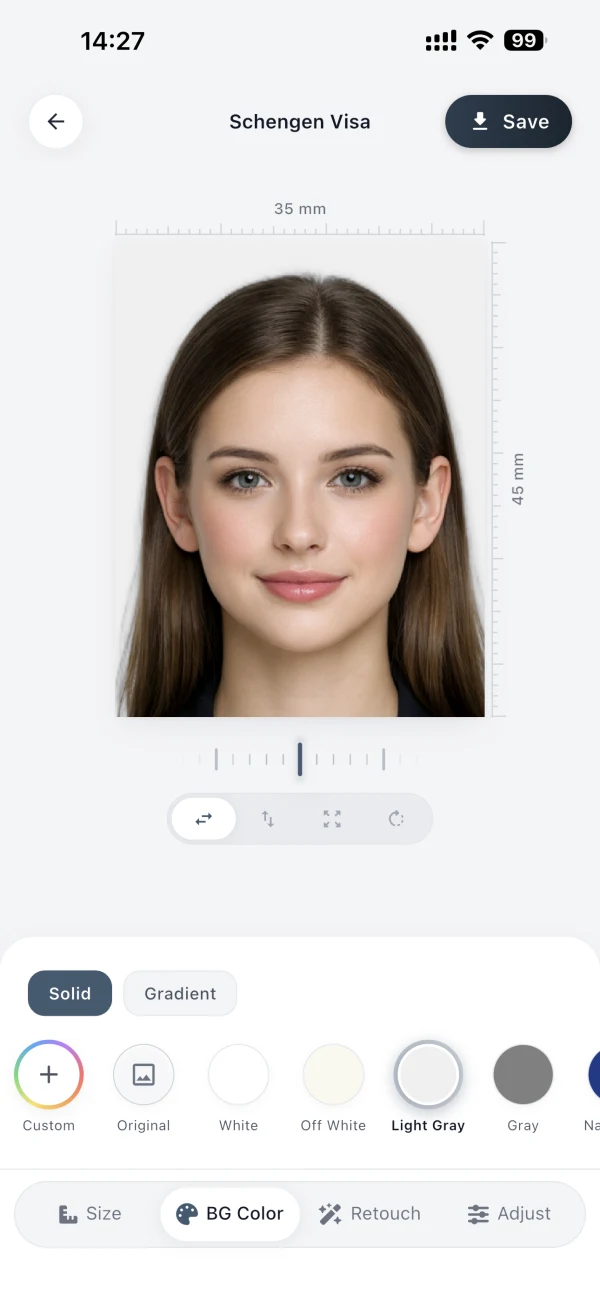
Why AuraID
Three ways to get an ID photo.
Photo booths cost time and money. Free websites store your photo online. AuraID is fast, and your photo stays on your iPhone.
Photo booth
- Time
- 30–60 minutes, plus travel
- Cost
- Retakes cost extra
- Rejection risk
- Rules still need checking
- Privacy
- Handled by someone else
Free web tools
- Time
- Minutes, but sizing is guesswork
- Cost
- Free to start, pay to download
- Rejection risk
- Wrong sizes and crops are common
- Privacy
- Your ID photo is uploaded to a server
AuraID
- Time
- About 10 seconds to create
- Cost
- Free app; Pro or one-time export
- Rejection risk
- 450+ presets: size, crop, alignment
- Privacy
- Processed entirely on your iPhone
Three simple steps
Take or choose a suitable portrait.
Take a photo directly in AuraID or choose one from your library to create a compliant ID photo privately on your iPhone.
01
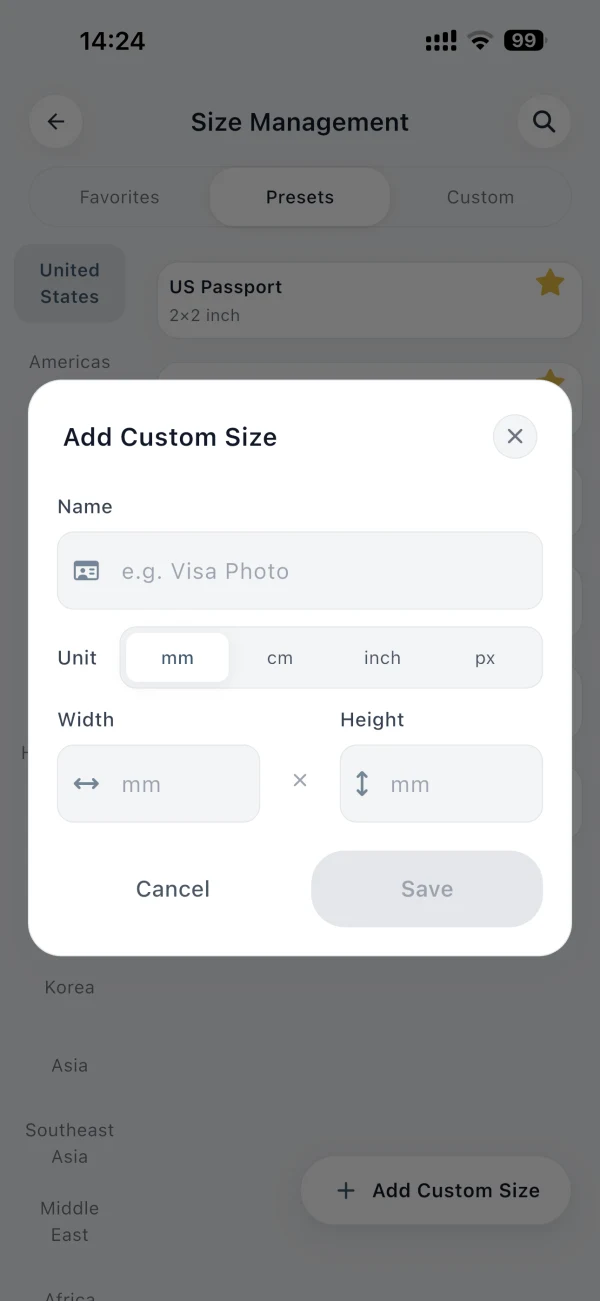
Choose a preset or go custom
Enter exact width and height in pixels, millimetres, centimetres, or inches.
02
Align the portrait
Frame the face precisely and review the required crop before export.
03
Export the finished file
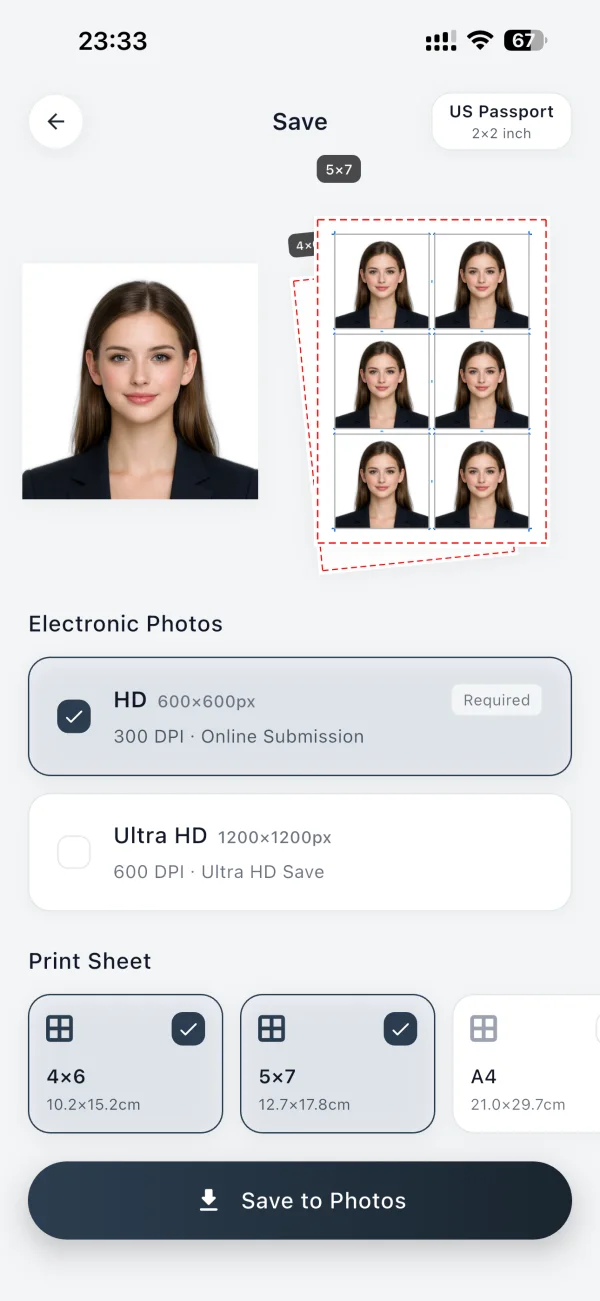
Save an electronic photo or a print-ready sheet at 300 or 600 DPI.
From cutout to final file01 02 03
You control the final result.
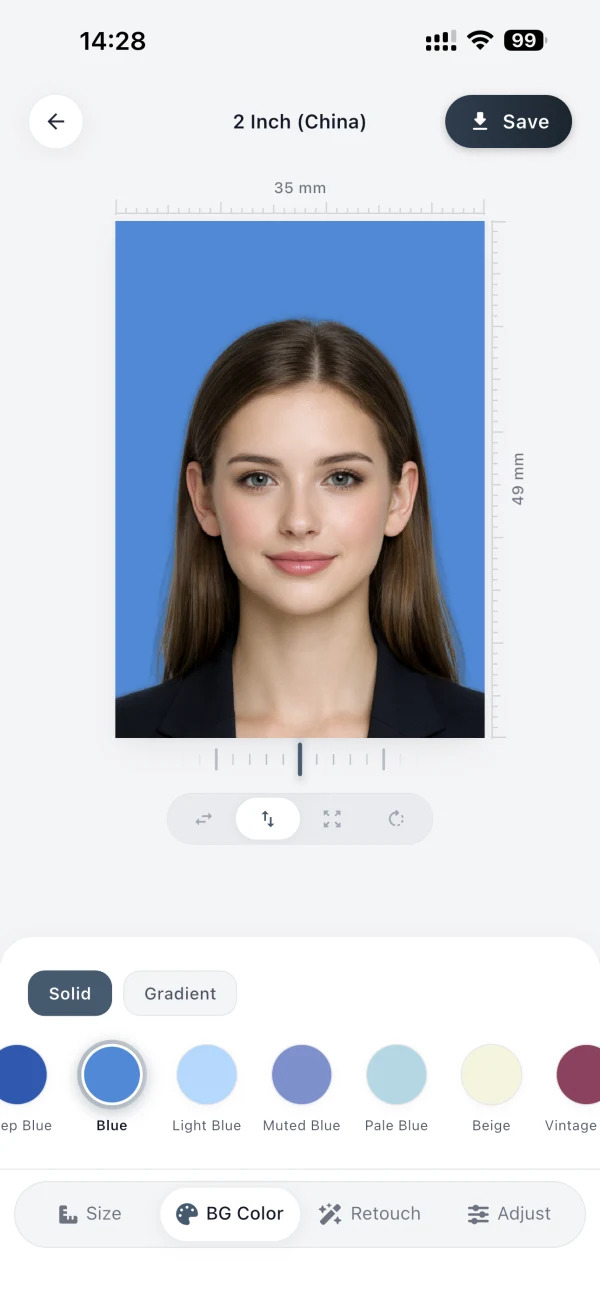
Any background color
Choose a solid, gradient, or precise custom color.
Official-spec setup
Match the canvas, crop, and face alignment to the selected official photo specification.
HD save and print
Save an electronic photo or print sheet at 300 or 600 DPI.
450+ ready-made presets
Any size supported.
Choose from 450+ ready-made presets. You can also enter any custom width and height in pixels, millimetres, centimetres, or inches.
Find your photo sizeSize referenceSchengen Visa35 × 45 mm
35 mm
45 mm
Privacy first
Your photos stay on your iPhone.
An ID photo is one of the most sensitive files you own: a biometric likeness tied to your identity. Cutout, alignment, retouching, and export all happen on your device. Your photo is yours alone.
No photo uploads
Your original and finished photos stay on your iPhone.
No cloud processing
Every editing step runs locally, without a remote server.
Works offline
Create a ready-to-use photo wherever you happen to be.
Before you download
Common questions
What does AuraID cost?
AuraID is free to download. Export the finished file with Pro or a one-time purchase. Current prices are shown in the app.
Do I need an internet connection?
No. Cutout, alignment, retouching, and export all run on your device, so AuraID works completely offline.
Do size and crop match official photo specifications?
AuraID includes 450+ ready-made presets that match the canvas, crop, and face alignment to each official photo specification. Requirements can change, so verify the current rules with the receiving authority before submitting.
What happens to my photos?
Nothing leaves your iPhone. There are no uploads, no cloud processing, and no account. Your original and finished photos stay on your device.
Ready in seconds.
Choose the right size, keep every photo private, and export a polished result from your iPhone. Free to download. Export with Pro or a one-time purchase; current prices are shown in the app.
Requires iOS 15.5 or later.