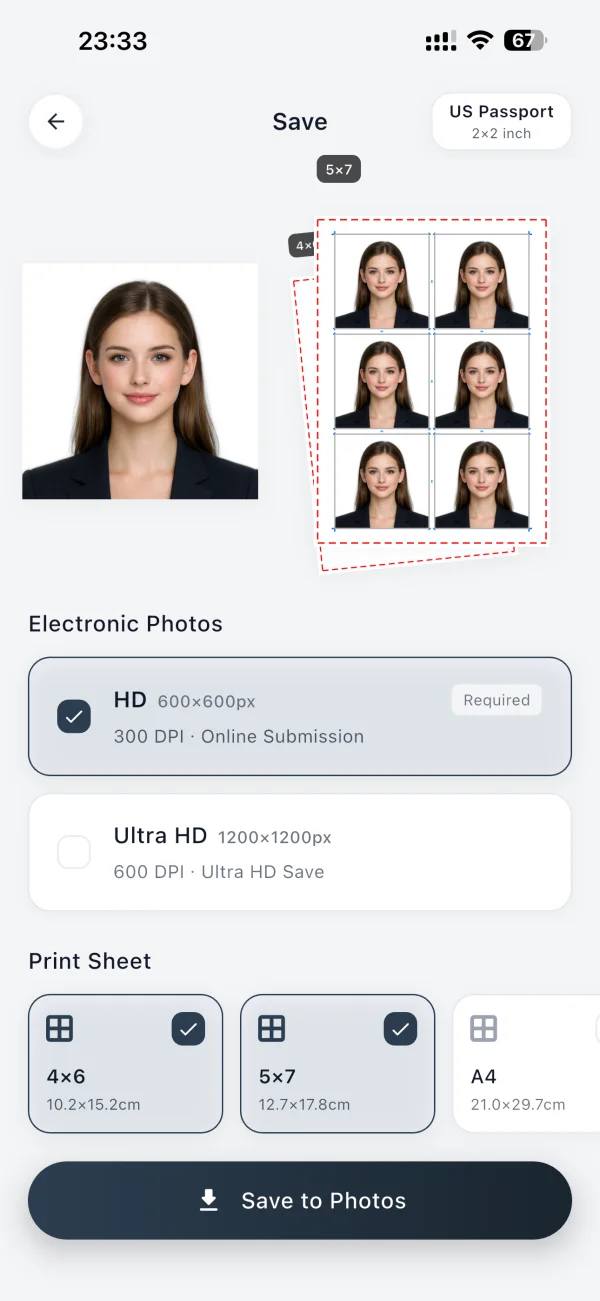
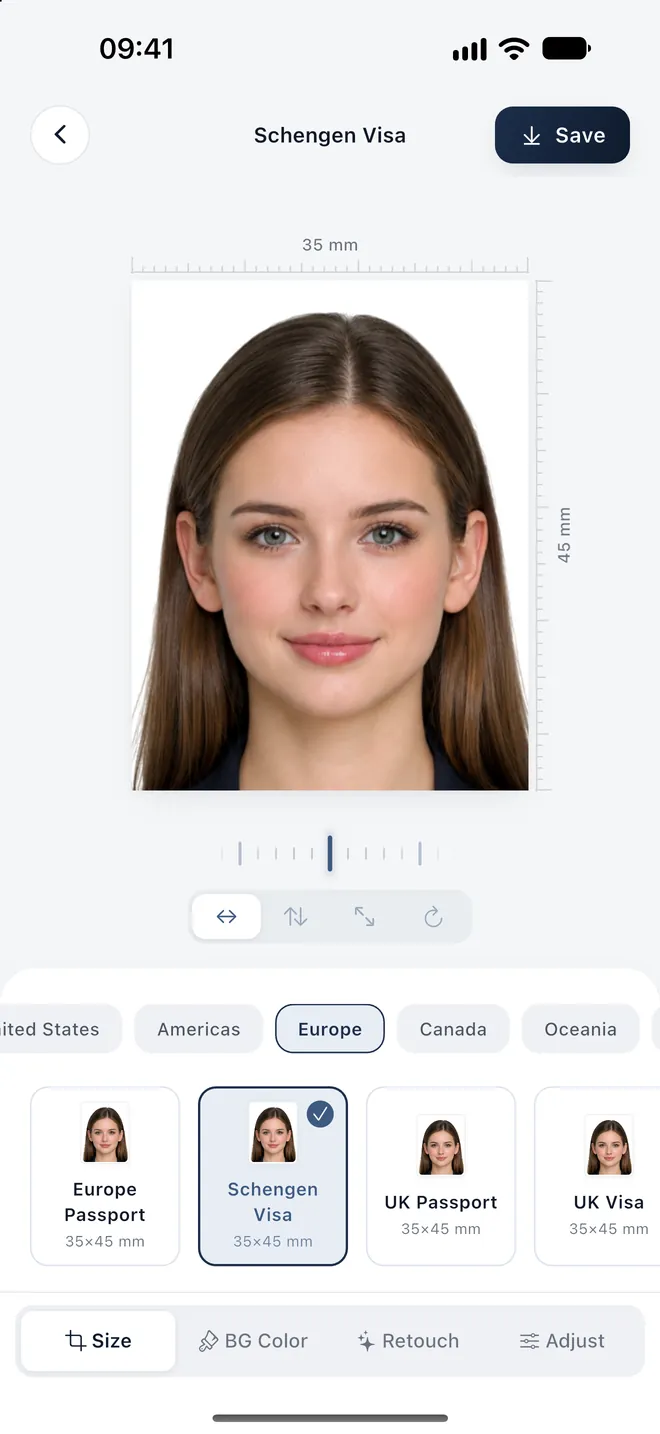
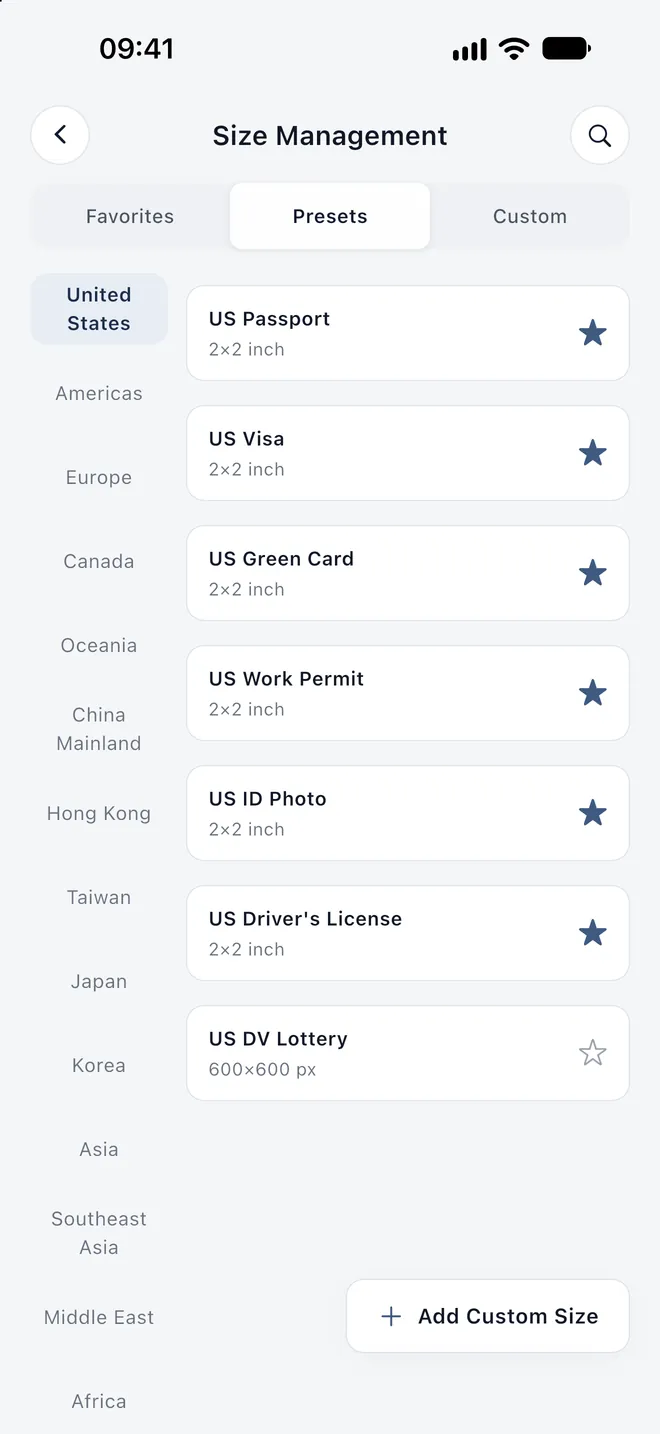
The AuraID preset for this photo uses an exact canvas of 480 × 640 px. Select it in the app to crop, align, and export your photo privately on your iPhone.
No ads · Private on-device processingThis AuraID preset already uses exact pixel dimensions.
AuraID applies this preset to the photo canvas and keeps processing on your device. Photo requirements can change, so check the latest instructions from the receiving authority before submitting.
Search for Adult Bachelor Degree English Exam in AuraID rather than entering dimensions manually.
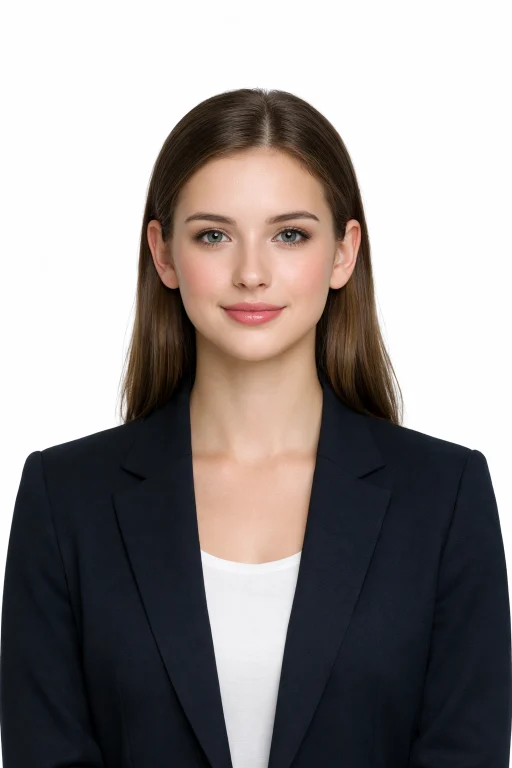
Start with an evenly lit, front-facing photo for the strongest cutout and alignment result.
Confirm the latest requirements with the organization receiving your photo before submitting.
The Adult Bachelor Degree English Exam preset in AuraID is 480 × 640 px.
The AuraID preset uses an exact digital canvas of 480 × 640 pixels.
Yes. AuraID processes photo cutout, alignment, retouching, and export on your device without uploading the photo to a cloud service.
Only if you use the retouching tools. Cutout, background change, sizing and alignment do not reshape your face. Smoothing, brightening and face slimming are off by default. If you don't use them, your face stays as it was taken. If you do, AuraID makes the light adjustment you choose.
For passports and visas, follow the official rules for your document. Many authorities do not accept photos edited to change your appearance. The US State Department, for example, asks for the original photo without filters or digital changes. For these photos, keep retouching off or very light. For resumes, student cards and other everyday photos, a small touch can help you look your best. It's your call.
Choose the right size, keep every photo private, and export a polished result from your iPhone. Free to download. Export with Pro or a one-time purchase; current prices are shown in the app.
Requires iOS 15.5 or later.