United States · Built-in AuraID preset
US DV Lottery photo size
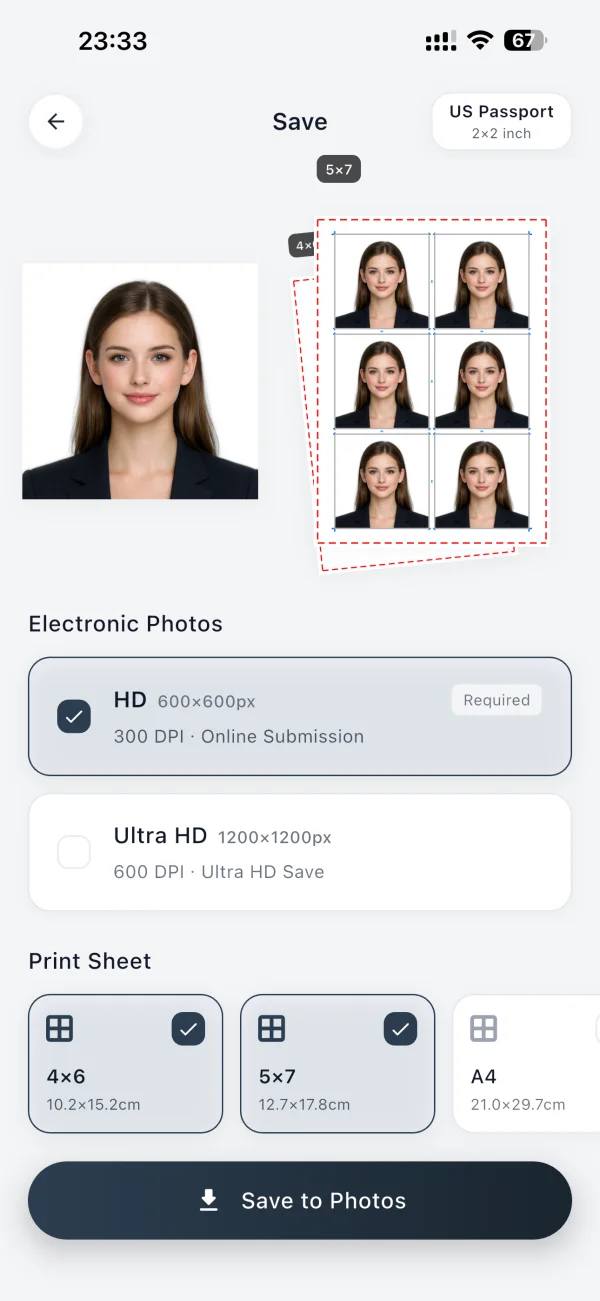
The AuraID preset for this photo uses an exact canvas of 600 × 600 px. Select it in the app to crop, align, and export your photo privately on your iPhone.
Exact dimensions
Digital output
This AuraID preset already uses exact pixel dimensions.
Create a 600 × 600 px US DV Lottery photo with AuraID.
What to know before you export
AuraID applies this preset to the photo canvas and keeps processing on your device. Photo requirements can change, so check the latest instructions from the receiving authority before submitting.
Select the named preset
Search for US DV Lottery in AuraID rather than entering dimensions manually.
Keep the original clear
Start with an evenly lit, front-facing photo for the strongest cutout and alignment result.
Check current requirements
Confirm the latest requirements with the organization receiving your photo before submitting.
Common questions
What size is a US DV Lottery photo?
The US DV Lottery preset in AuraID is 600 × 600 px.
What pixel dimensions should I use for US DV Lottery?
The AuraID preset uses an exact digital canvas of 600 × 600 pixels.
Can AuraID create a US DV Lottery photo offline?
Yes. AuraID processes photo cutout, alignment, retouching, and export on your device without uploading the photo to a cloud service.
Does AuraID change my face?
Only if you use the retouching tools. Cutout, background change, sizing and alignment do not reshape your face. Smoothing, brightening and face slimming are off by default. If you don't use them, your face stays as it was taken. If you do, AuraID makes the light adjustment you choose.
For passports and visas, follow the official rules for your document. Many authorities do not accept photos edited to change your appearance. The US State Department, for example, asks for the original photo without filters or digital changes. For these photos, keep retouching off or very light. For resumes, student cards and other everyday photos, a small touch can help you look your best. It's your call.